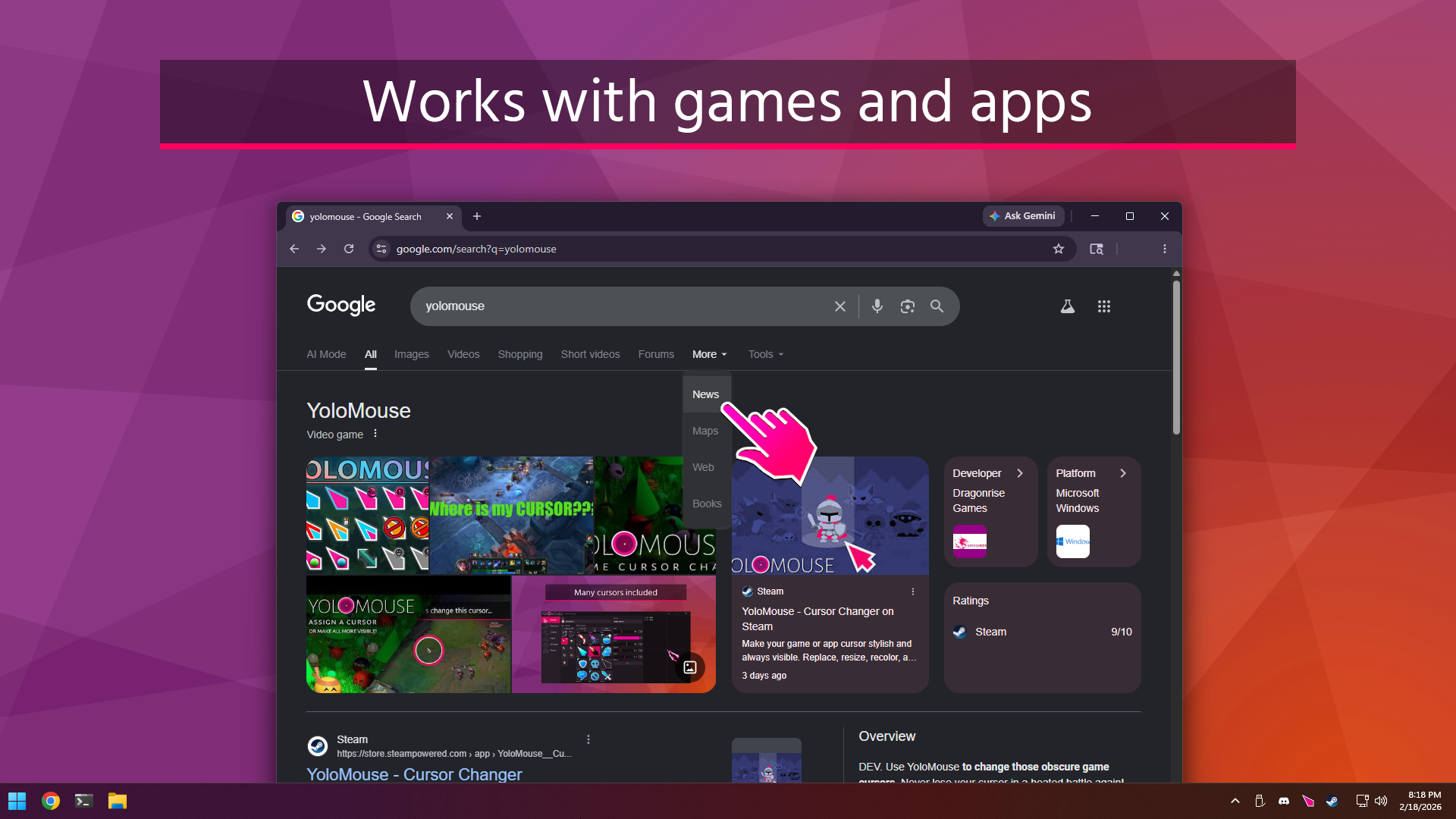
YoloMouse Press Kit
Fact sheet
- Name
- YoloMouse
- Developer
- Dragonrise Games LLC
- Platform
- Windows
- Availability
- Steam, Windows Installable
- Category
- Utility / Cursor Customization / Game Cursor Changer
- Official page
- https://dragonrisegames.com/yolomouse
- Steam page
- https://store.steampowered.com/app/1283970
One-line description
YoloMouse lets users replace, resize, recolor, and add effects to cursors in games, apps, and Windows.
Short description
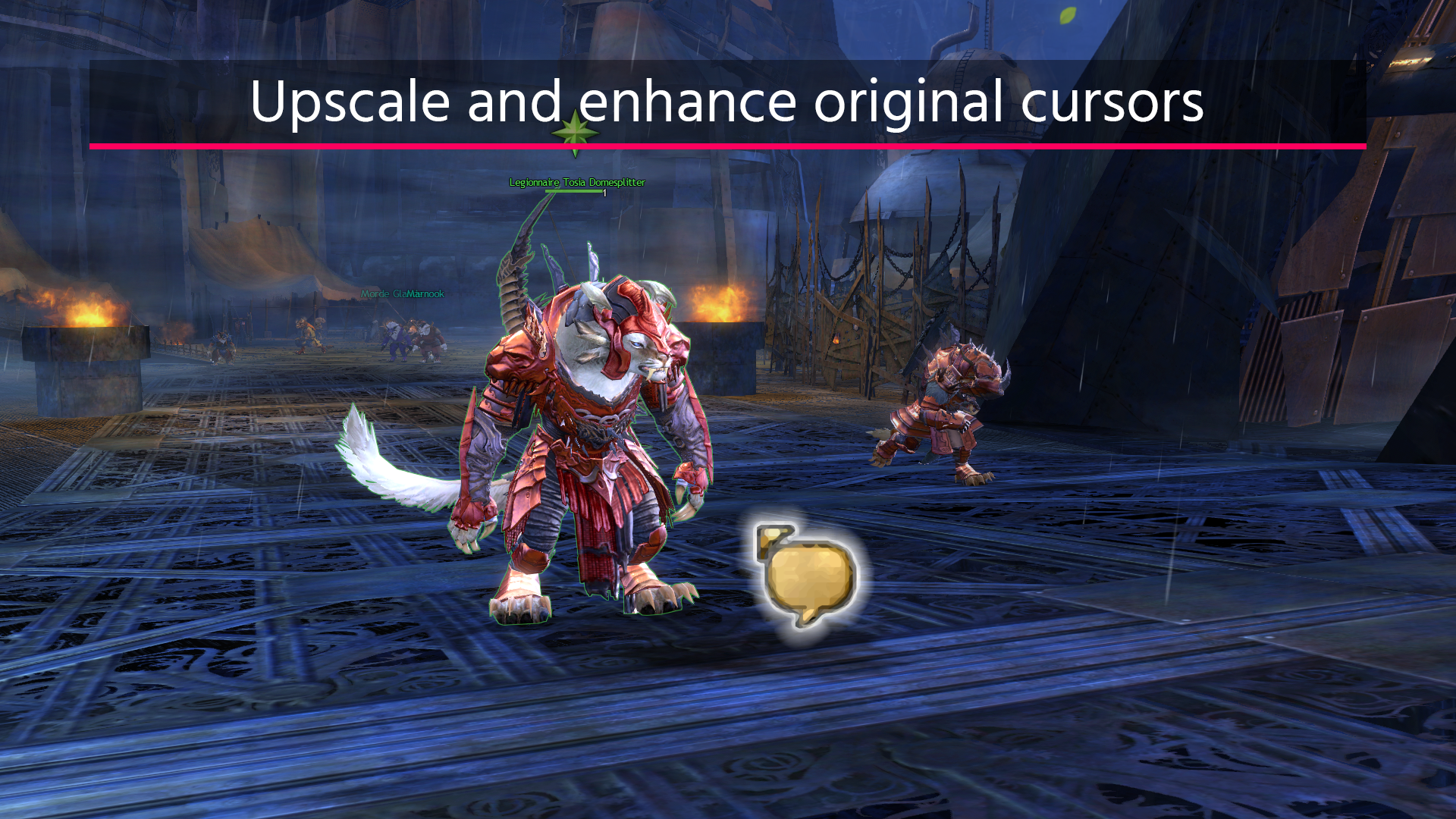
YoloMouse lets users replace, resize, recolor, and add effects to cursors in games, apps, and Windows. YoloMouse has the unique ability to change game cursors, making it ideal for MOBA, MMO, RPG, and ARPG games. It's also great for general apps, productivity, presentations, streaming, or just showing off.
Key features
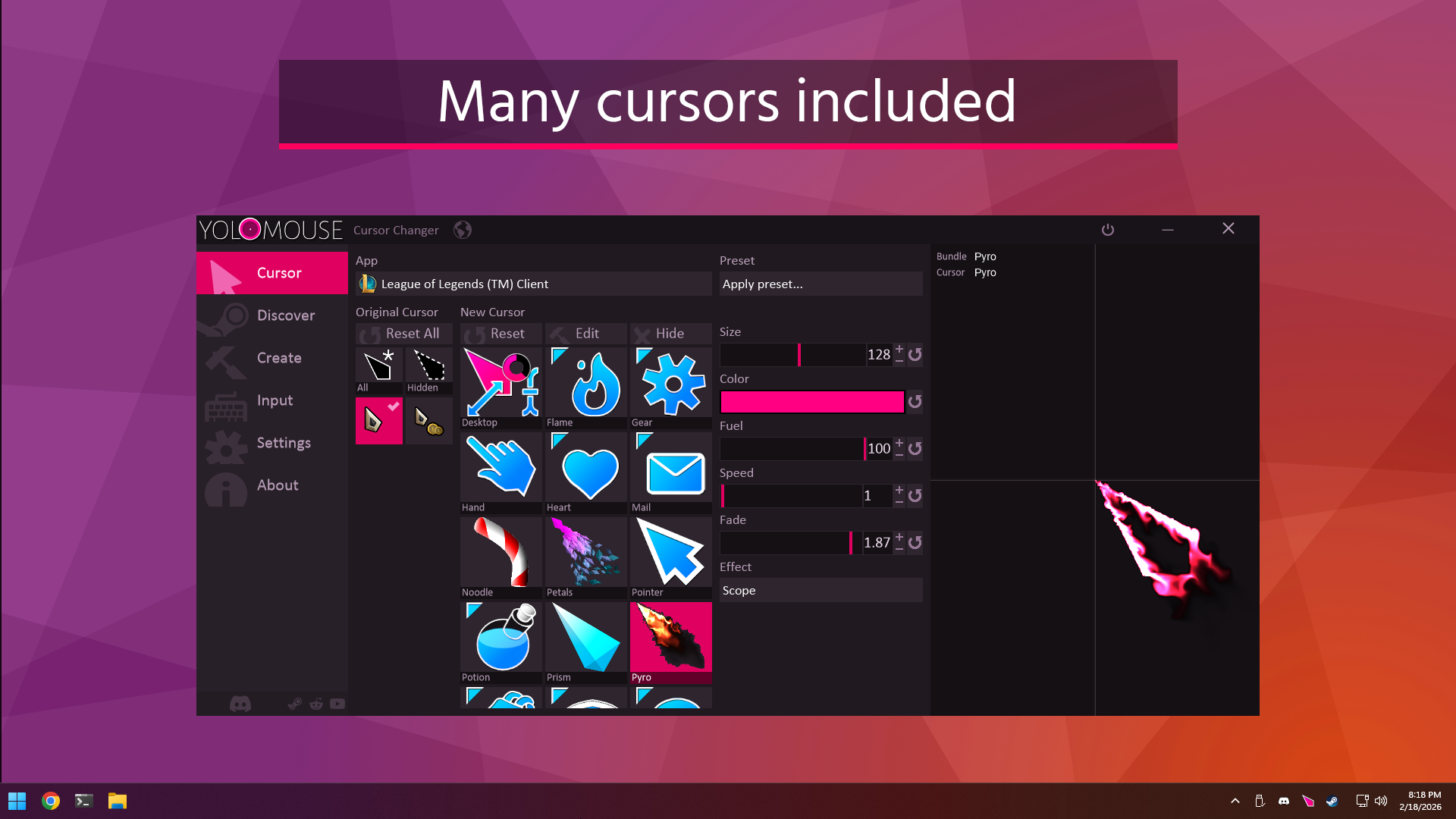
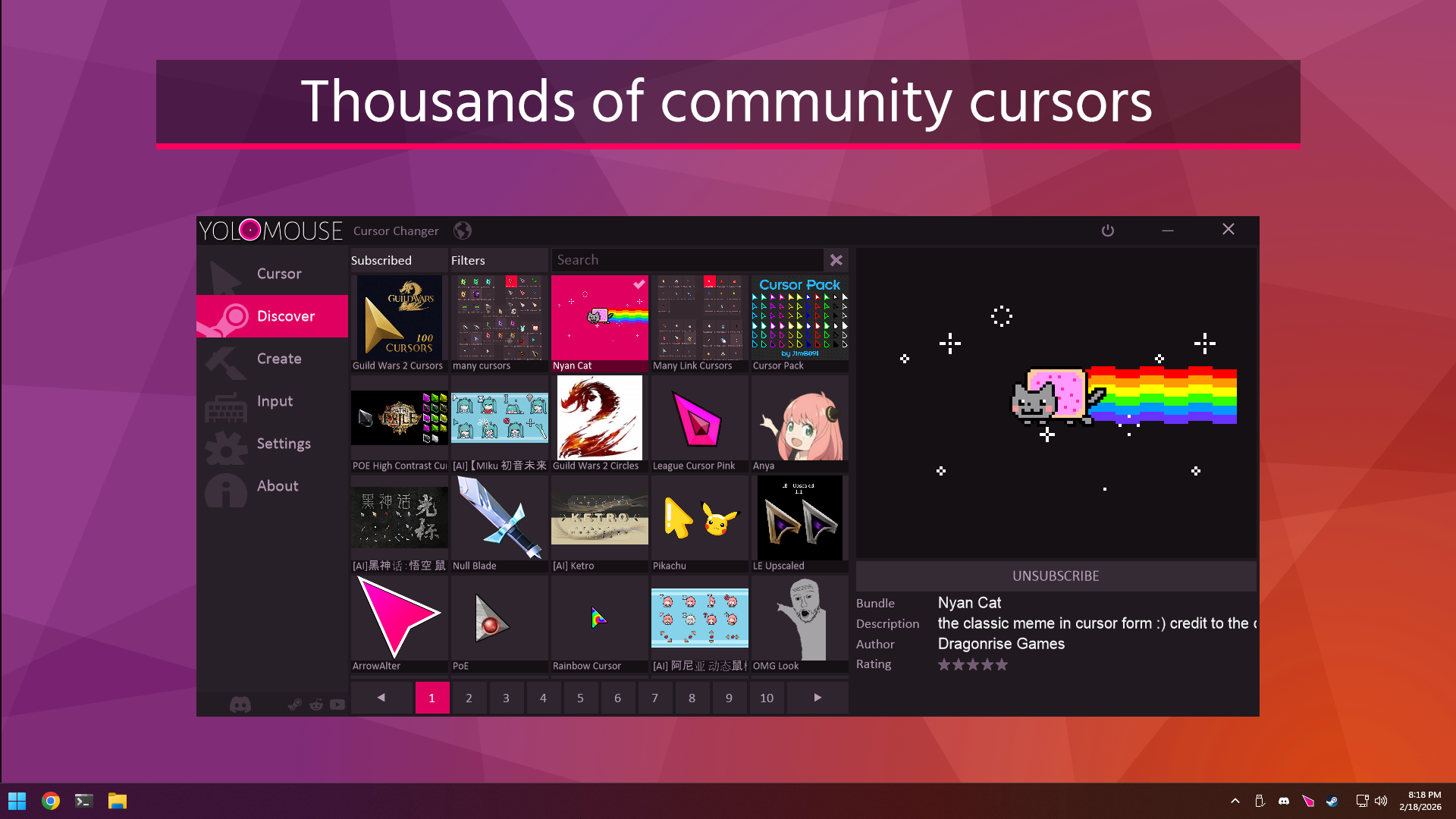
- Cursors: Includes many cursors and thousands more from Steam Workshop.
- Support: Works with games, apps, and Windows. Fullscreen and multimonitor support.
- Size: Resize new and original cursors.
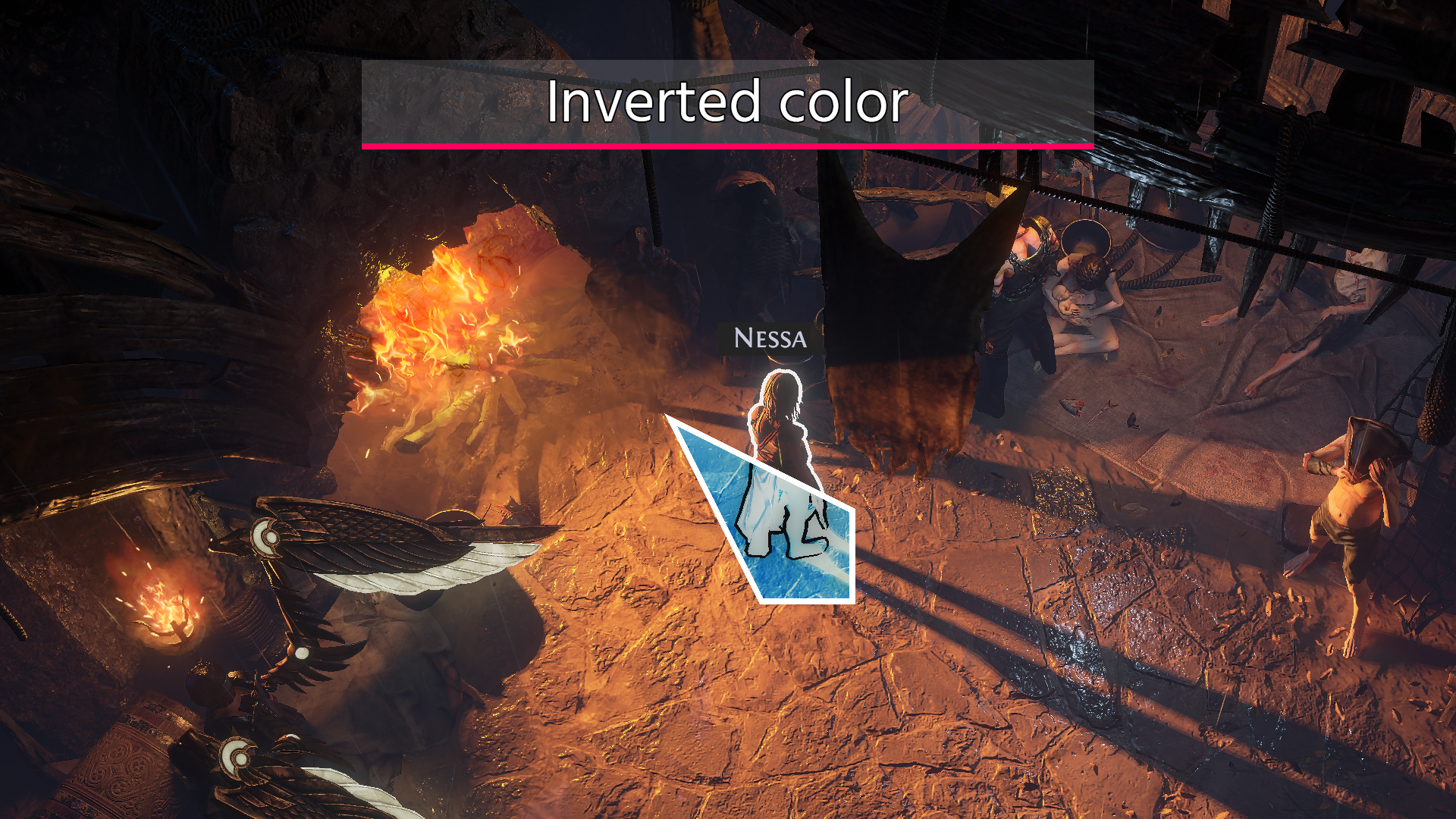
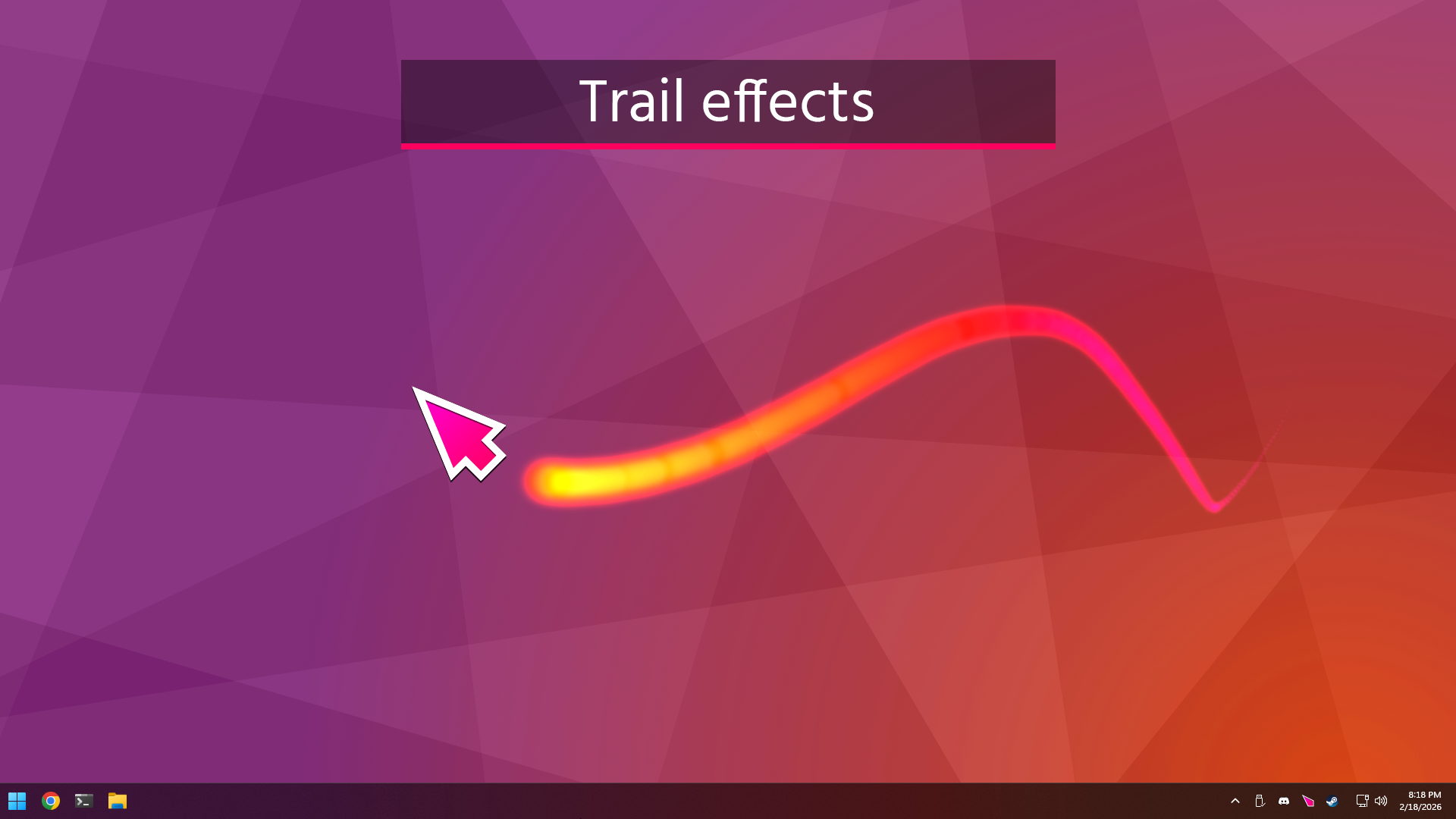
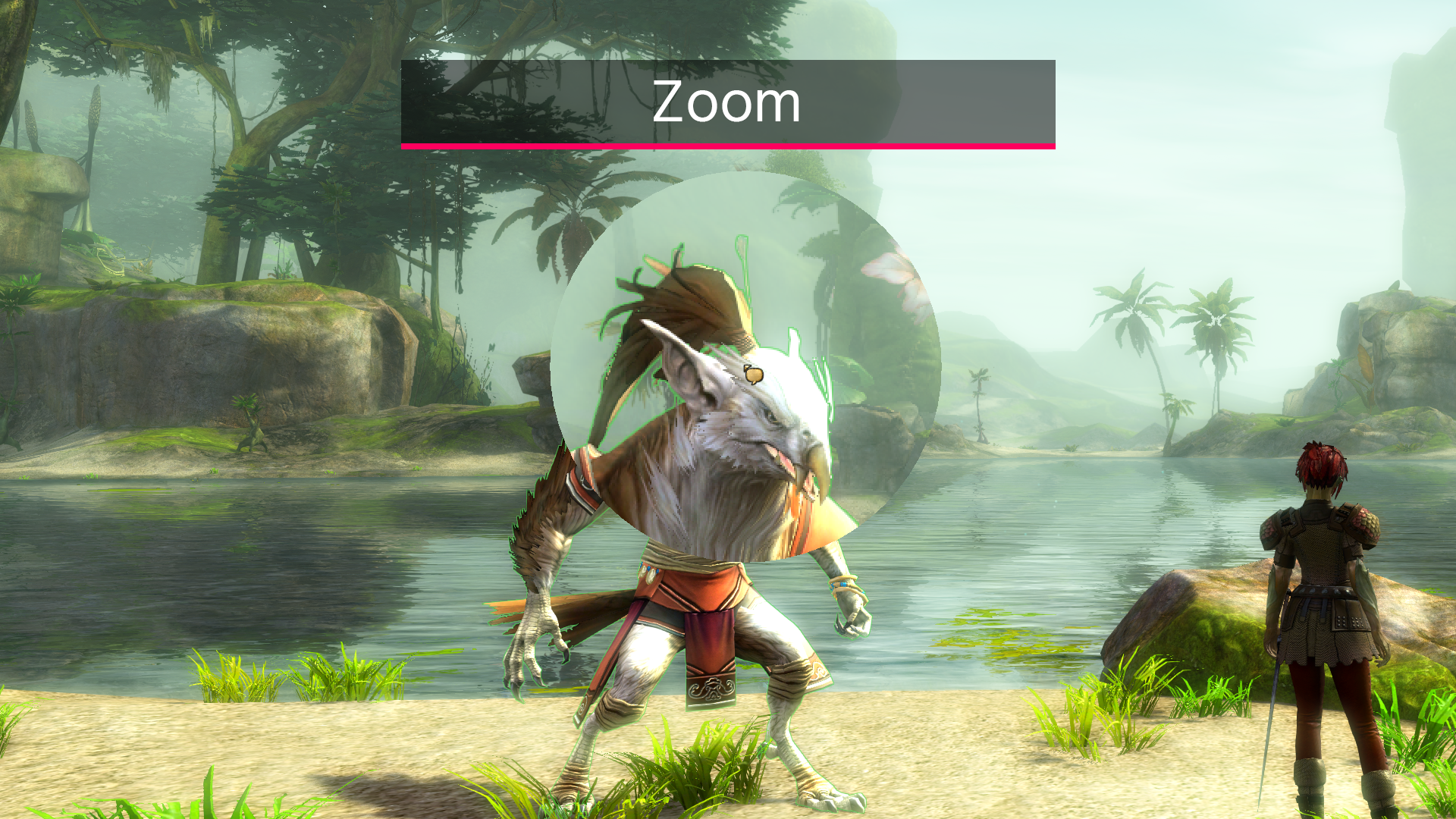
- Effects: Trails, zoom, inverted colors, cross, halo, glow, and mirror.
- Presets: Quickly apply pre-assigned cursor sets.
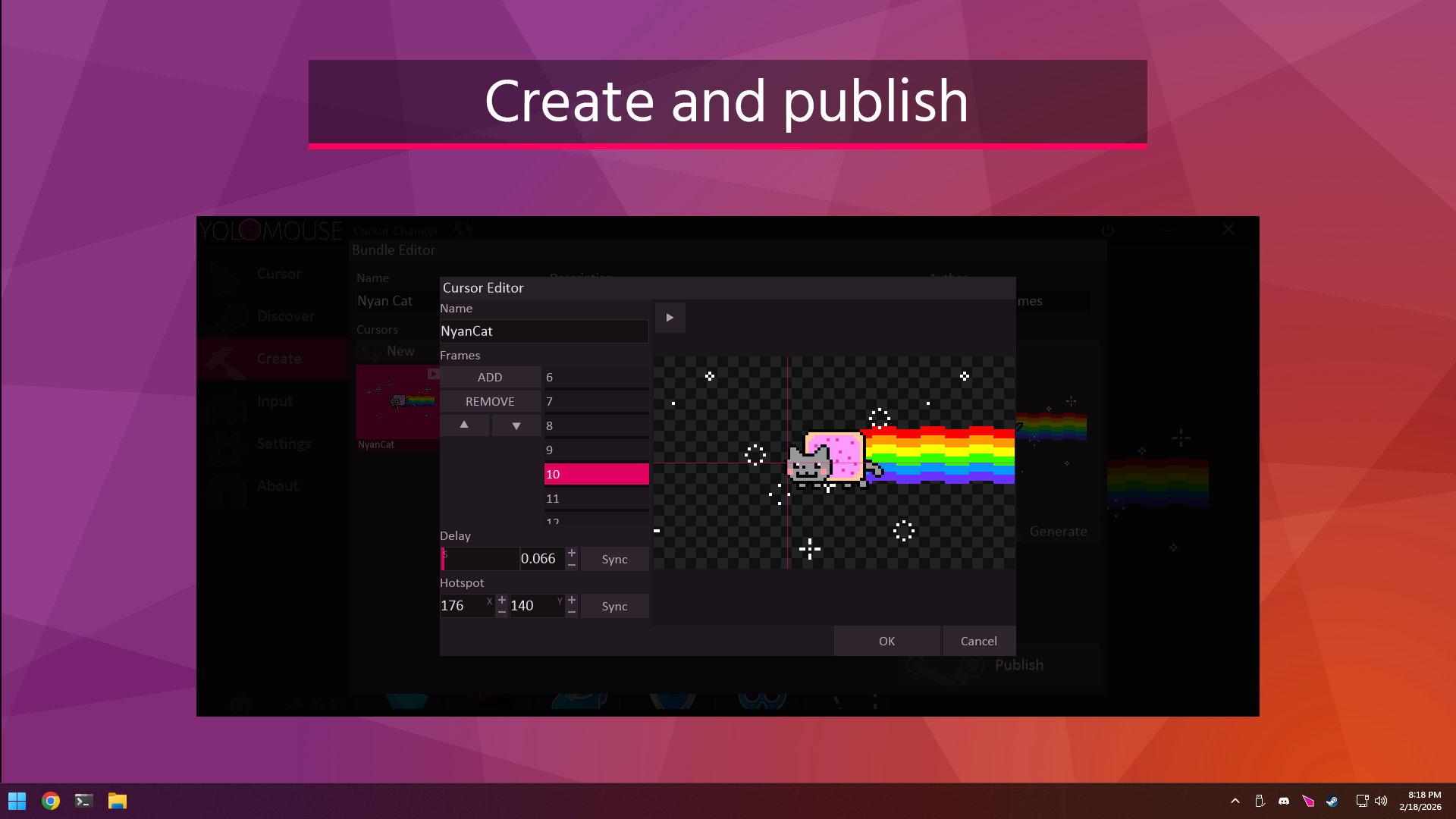
- Create: Use the included editor to make basic and animated cursors, then publish to Steam!
- Fast: No bloat. No impact on performance.
- Safe: Anti-cheat safe and whitelisted by major vendors.
- Fun: Jiggle physics!
Why it exists
YoloMouse exists because many games use cursors that are too small, low contrast, or easy to lose during busy gameplay. It also exists to enhance your cursor for general use.
Assets
Press, creators, and streamers may use these images, videos, logos, and descriptions when covering Dragonrise Games, YoloMouse, or YoloX Crosshair Overlay.