Animated Rainbow Pointers V2 Mouse Cursor
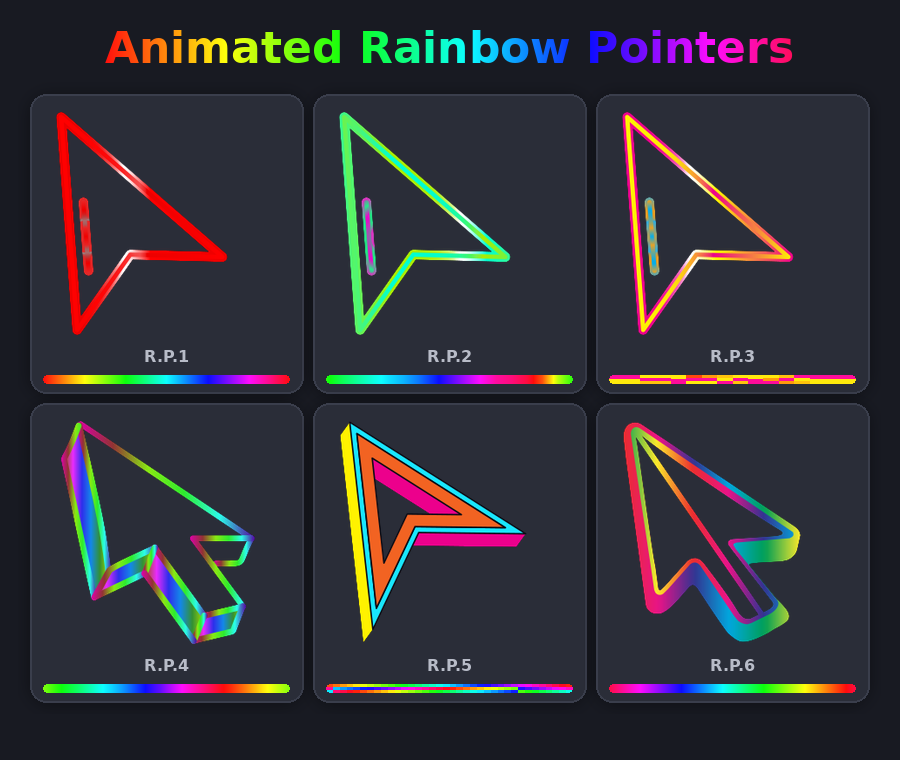
by TInderizer
view on Steam Workshop
About
Six vibrant, animated rainbow mouse pointers with customizable color transitions and hotspot positioning. Adjust animation speed via slider or input, then sync to preview changes. Each pointer offers unique color effects and shapes for dynamic cursor customization. Use YoloMouse to apply it to your game or desktop.
Yolo Mouse Animated Rainbow Pointer Instructions
Change the rainbow animation speed (rate of color change)
Create --> Animated Rainbow Pointers --> Choose 1 of the 12 pointers --> DELAY -> Use slider, Up/Down arrows, or type in the desired speed --> CLICK SYNC --> Press play button (top left of checkered box) to see how new animation speed looks
Change the pointer hotspot (click point?)
Create --> Animated Rainbow Pointers --> Choose 1 of the 12 pointers --> Left click on the displayed rainbow pointer where you want the hotspot to move to or you can change the x and y axis manually --> CLICK SYNC
Instructions
- Install and run YoloMouse.
- Enter Manual tab.
- Find this bundle in the Discover button.
- Assign to your favorite game or app.
Details
- Current subscribers
- 139
- Published
- 2026-10-13
- Updated
- 2026-10-17
Other Animated Bundle Red Orange green
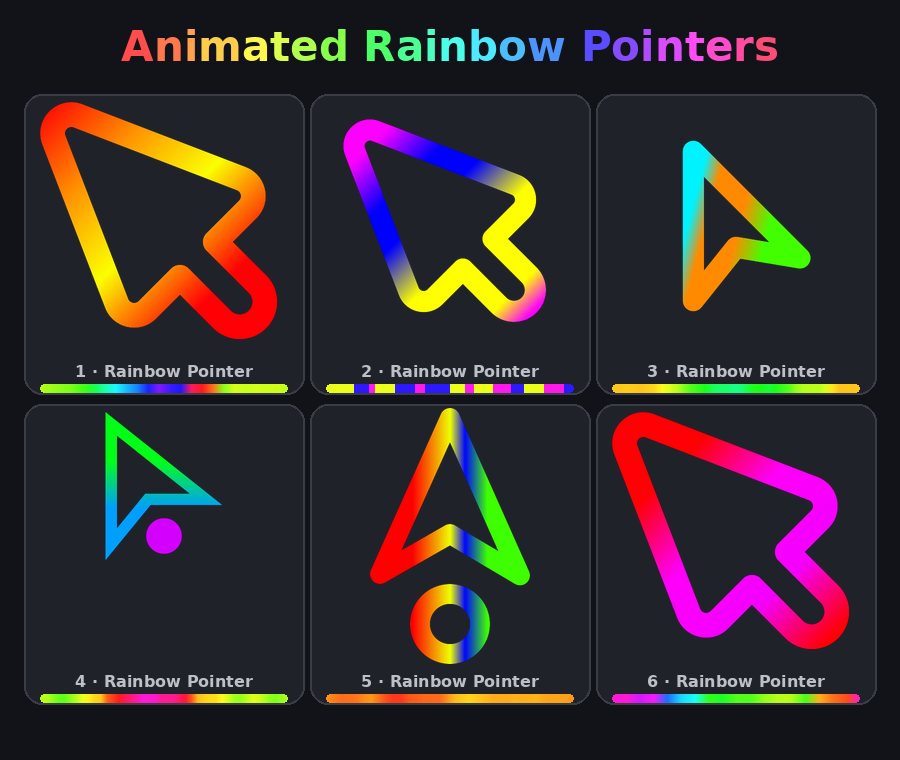 Animated Rainbow Mouse Pointers
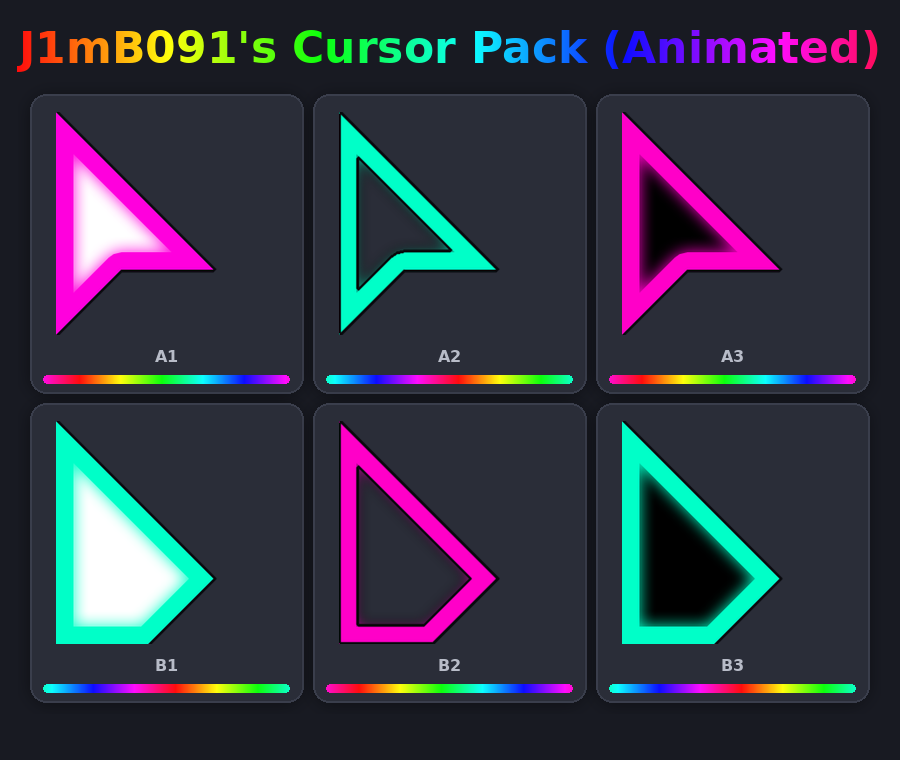 J1mB091's Animated Rainbow Cursors
 Minecraft Cursor Set
 Super Mario 64 Character Icon